STACKWORKS APPS / Work
カルテ帖
Karte-cho: Salon Client Notes
The released Japanese version is available in Japan. The update with 12 display languages and wider regional availability is being prepared.
See the store for current pricing and requirements.
APP SCREENS
A closer look at the app.
Tap an image to view it full size.
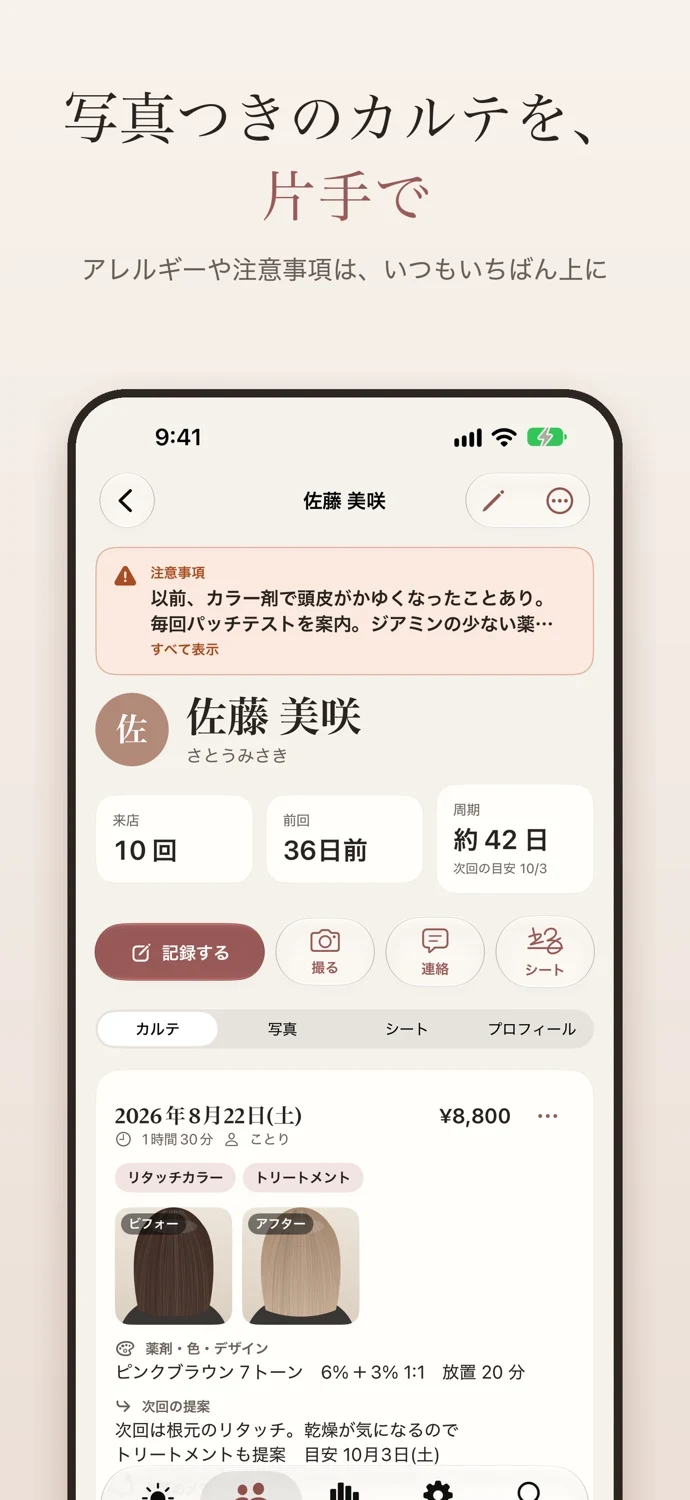
Hair formulas & lash records
The released Japanese version is available in Japan. The update with 12 display languages and wider regional availability is being prepared.
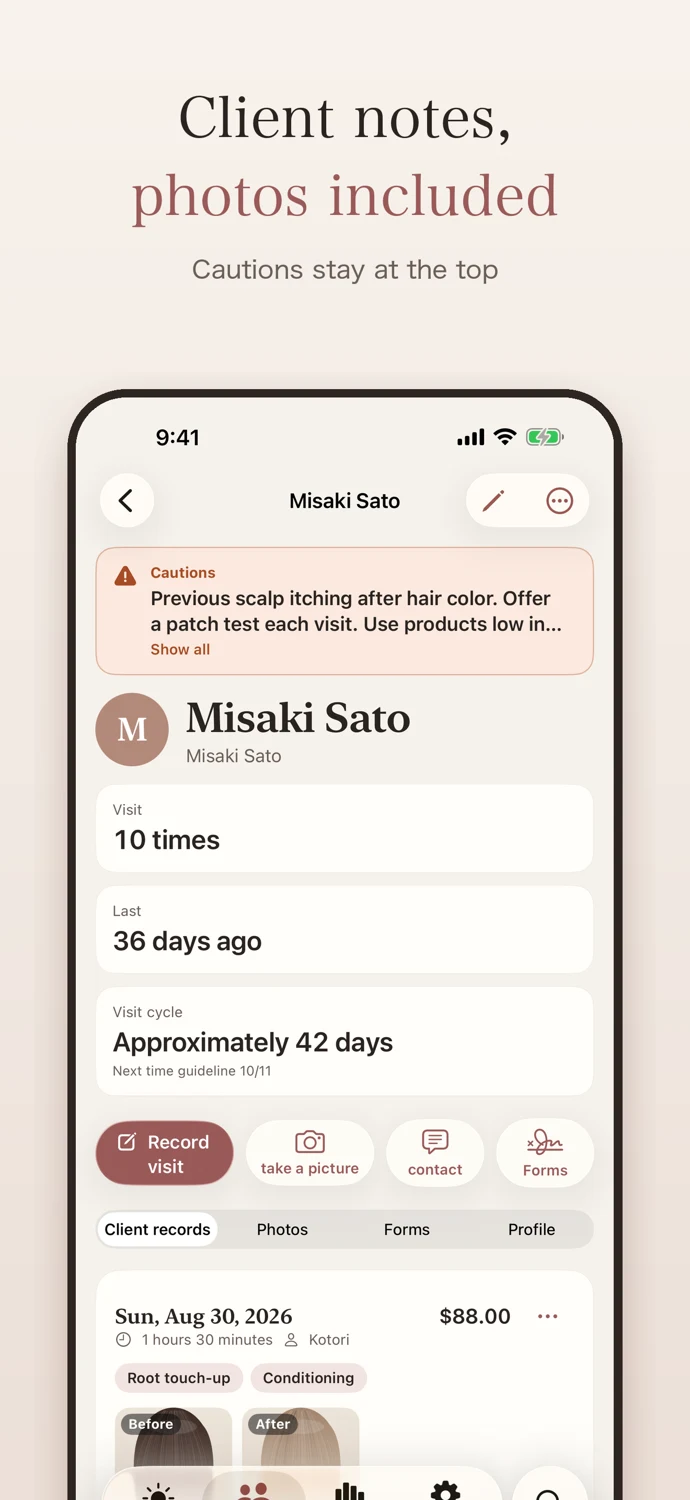
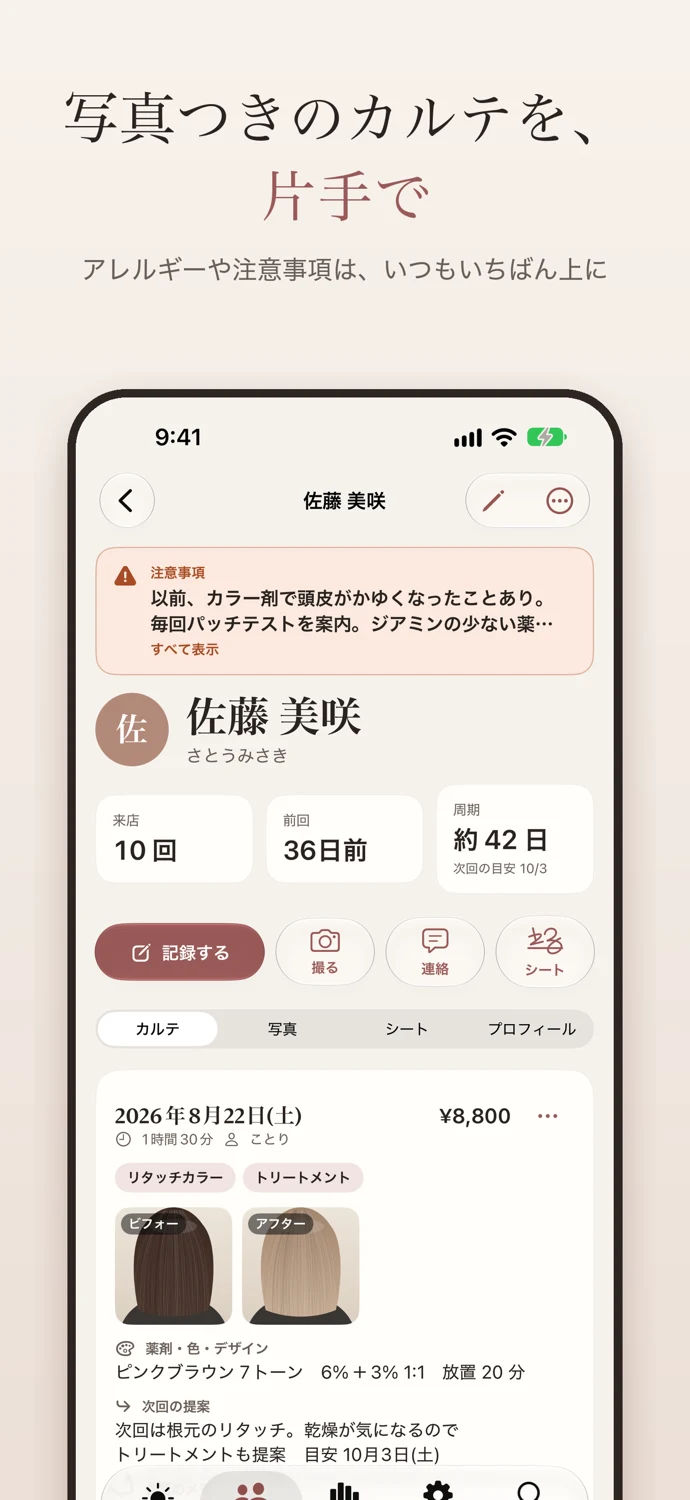
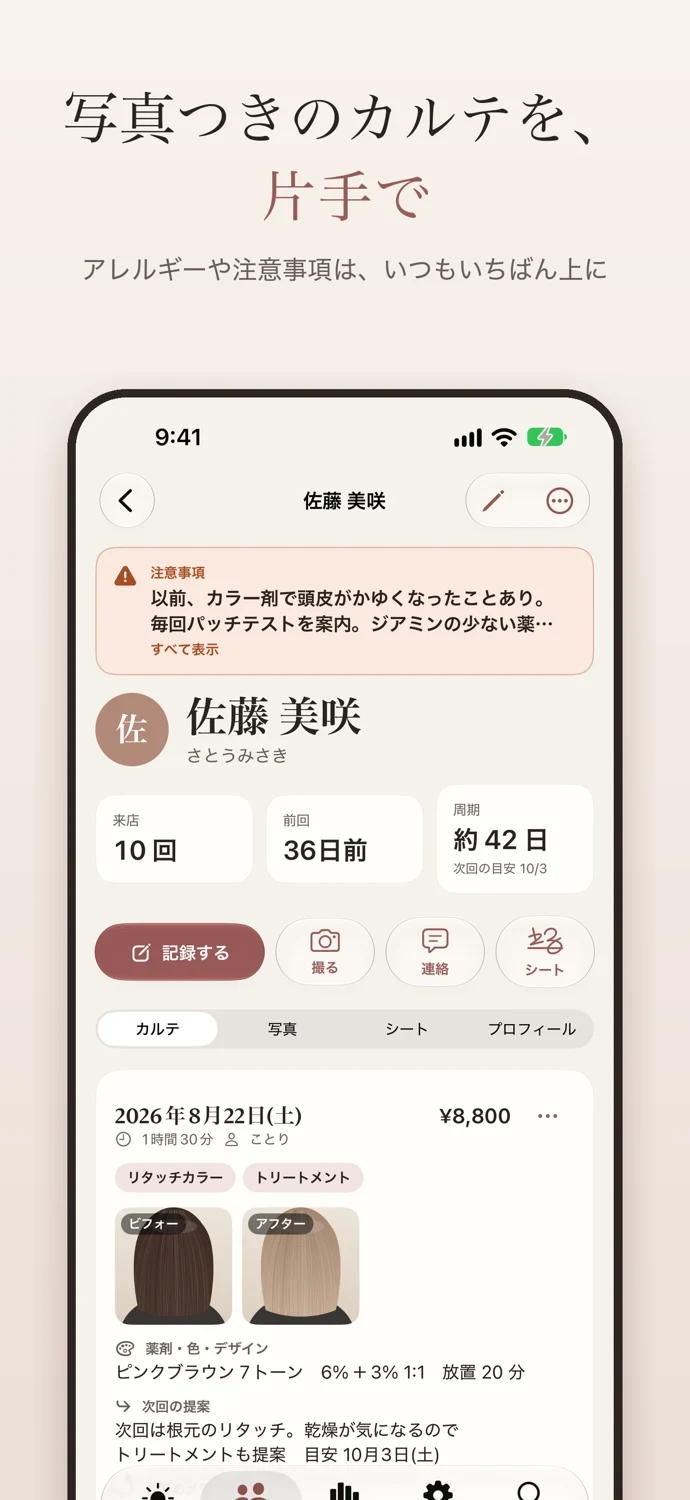
Karte-cho is a client record book for small salons run by one to three people: hair, nail, eyelash, esthetic, body care and relaxation. Record each visit with one hand between treatments. There is no limit on the number of clients or records.
■ Record between treatments, with one hand
• Tap Record, pick the client, tap the menu items, and save. The amount and time add up automatically
• "Same as last time" copies the previous menu, color formula and design
• What you type is saved as a draft automatically, so you can pick up where you left off
• Keep the products and color numbers used, the design, time taken, the next proposal and conversation notes
■ Photos with every client record
• Take before and after photos with the in-app camera, with a light and grid for close-ups
• Photos are stored only inside the app, never in the Photos app
• Location and other metadata are removed when you import photos
• Look back at each visit's photos together with your client on the large iPad screen
■ Keep allergies and cautions visible
• Cautions always appear at the top of the record in a prominent color
• A mark in the client list shows them at a glance
■ Next visits and follow-ups
• See clients who are due for their next visit, based on their visit cycle, plus this month's birthdays
• Reminders just for you (nothing is sent to clients)
• Message templates fill in the client's name and last visit date. Copy and paste into your messaging app
• Works alongside your booking site, focusing on records and photos
■ Backups and exports
• Stored on your device and synced between your iPhone and iPad with iCloud. No account needed
• Automatic daily backups (the latest 14 kept on the device)
• Full backups including photos, exported to a password-protected file and restorable any time
• Deleted clients and records stay in the trash for 30 days
• Import CSV files from other apps or spreadsheets (Shift_JIS supported) and from Contacts
• Export one client's record as a PDF
■ Protecting your clients' information
• Lock with Face ID or your passcode. The screen is blurred in the app switcher
• Notifications and widgets do not show client names by default
• Names, contact details and notes are saved to end-to-end encrypted iCloud fields
• The developer does not collect your client records. No ads, no analytics
• Includes a privacy guide explaining Japan’s framework and an editable template for explaining data handling to clients
■ Karte-cho Pro
With Pro, you can use:
• Photo comparison: before and after, or last time and this time, side by side or with a slider. Overlay the previous photo in the camera to shoot from the same angle
• Consultation sheets and consent forms: edit templates, and clients fill in and sign on the iPad. Saved as PDF
• Analysis: monthly revenue, average spend, repeat rate, clients at risk of lapsing, by menu and by referral source
• Staff sharing: use the same records with two or three staff members through iCloud sharing. Staff devices can use the Pro features in the shared salon
• Export: client and visit CSV files, and PDF records for all clients
• Show the names of clients due for a visit in widgets
Pro supports Family Sharing. Client and visit records, photos, search, reminders, sync, backup and restore, and import all work without Pro.
Terms of Use: https://stackworksdev.github.io/salon-karte/en/terms.html
Privacy Policy: https://stackworksdev.github.io/salon-karte/en/privacy.html
The consent form templates are samples. Please edit them to fit your salon's treatments and policies.
Available in 12 languages. Requires iOS / iPadOS 26 or later.
Choose your salon’s currency when you create it. Amounts are stored in that salon currency; changing your device region does not convert or relabel existing records. The privacy guide and consent forms are editable samples, not legal compliance guarantees. Review them for your services and local requirements before use.
SUPPORT & CONTACT
カルテ帖 · support
Questions, bug reports and suggestions are welcome.